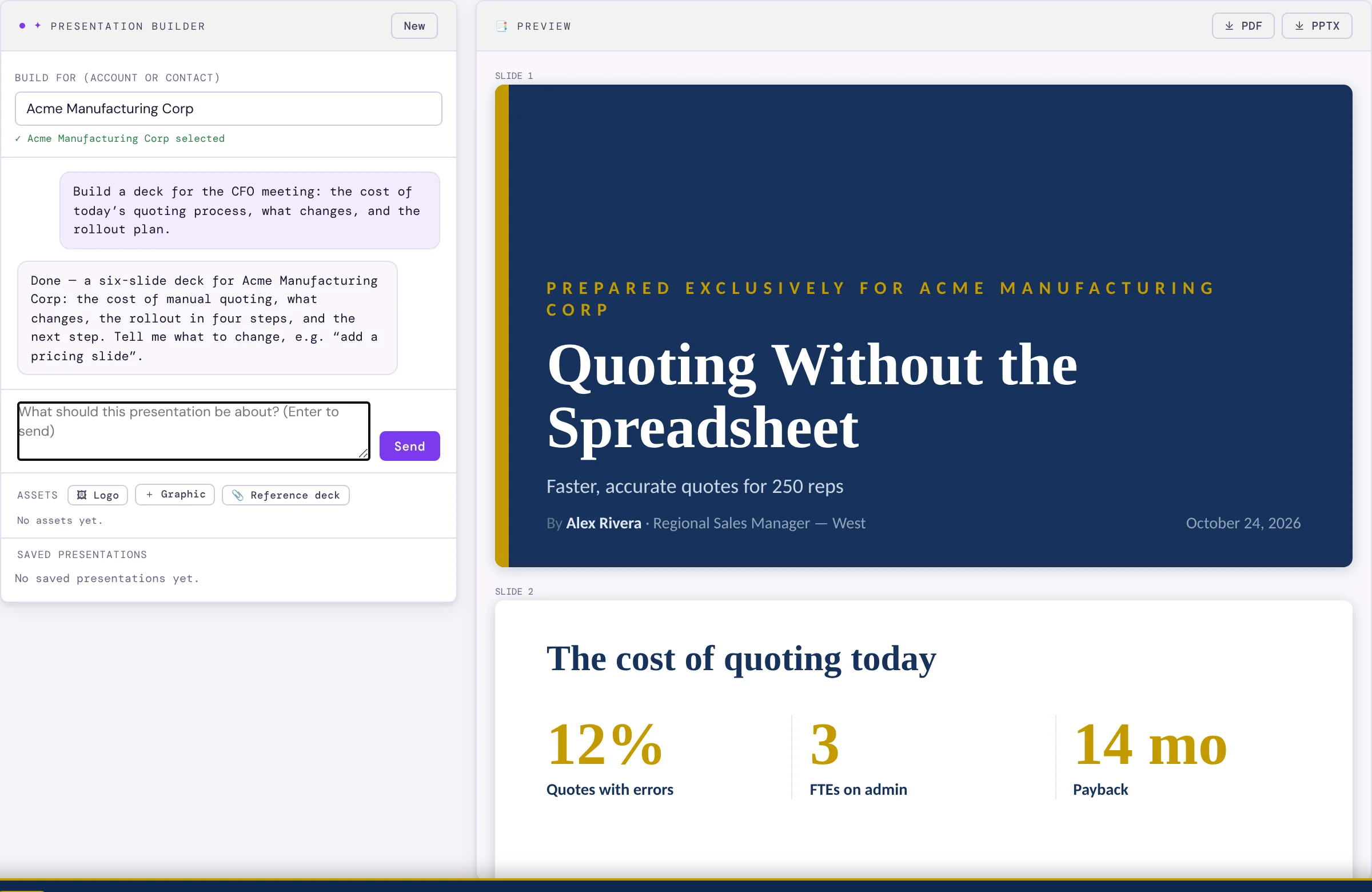
What it does
Slides come in real layouts — key figures, features, comparisons, steps, quotes — not sixteen bullet slides. A layout check trims anything that would not fit.
Add your logo, your own graphics, or a reference deck for the AI to follow. Your Brand Kit sets the colours and fonts.
Decks are saved, so you can come back and keep refining. Every other report — the executive briefing, account plans, customer briefings and POC readouts — exports as a branded PowerPoint too.
How it works
- Open PresentationsUnder Content, and pick the account or contact.
- Say what it’s for“A deck for the CFO meeting on cost and rollout.”
- Refine and exportChat your changes, then PowerPoint or PDF.
Why sales people love it
- A first draft in minutes instead of an afternoon.
- Every deck is on brand without a designer.
- Built from the customer’s own situation, not a generic pitch.