What it does
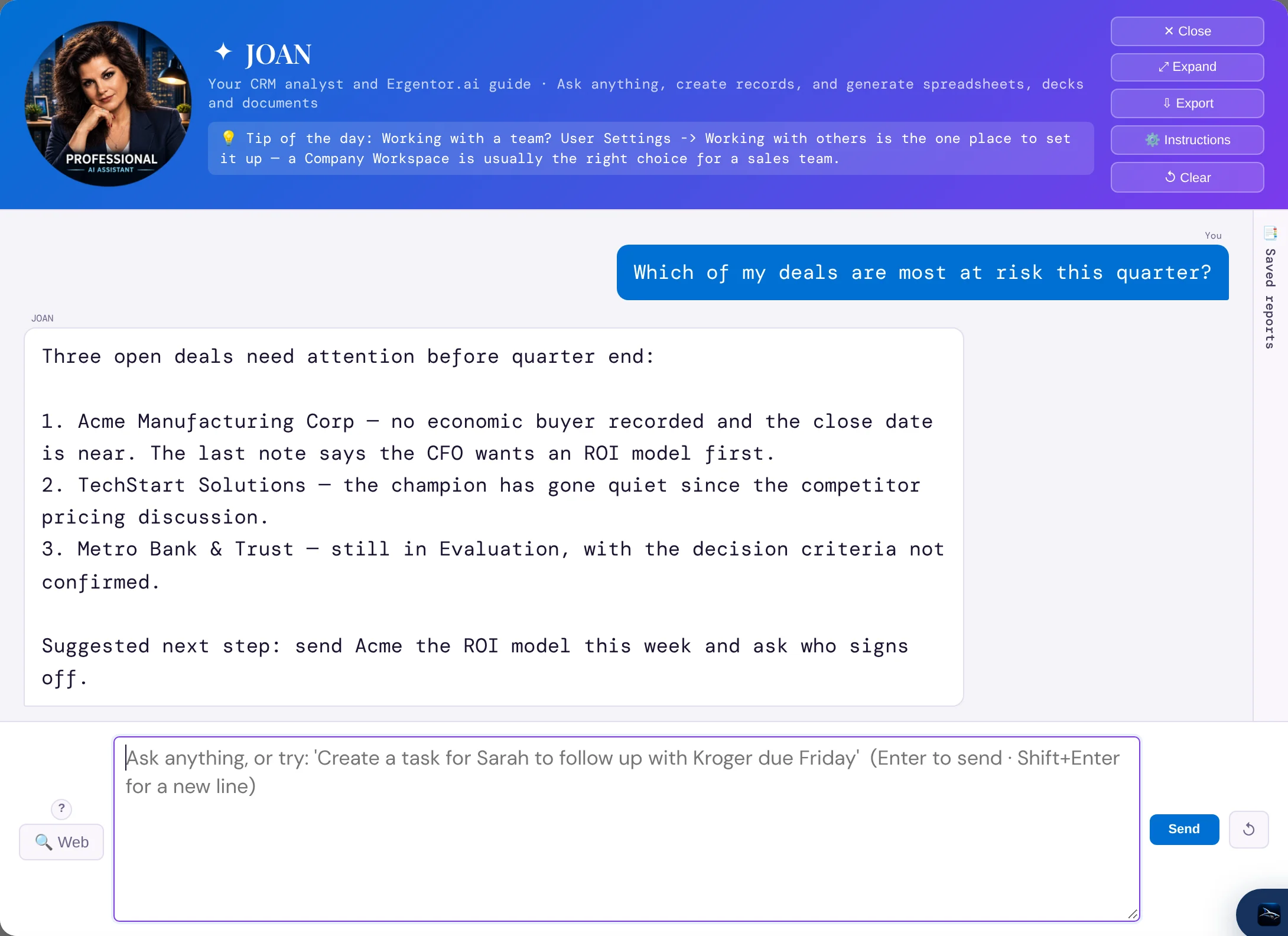
JOAN keeps a short index of your whole book in mind and pulls the full detail of an account, a deal or a note when a question needs it. Ask about one customer or about all of them.
It can do the typing, too. "Create a task for Sarah to send the proposal by Friday" becomes a task — shown to you first, and saved only when you approve it.
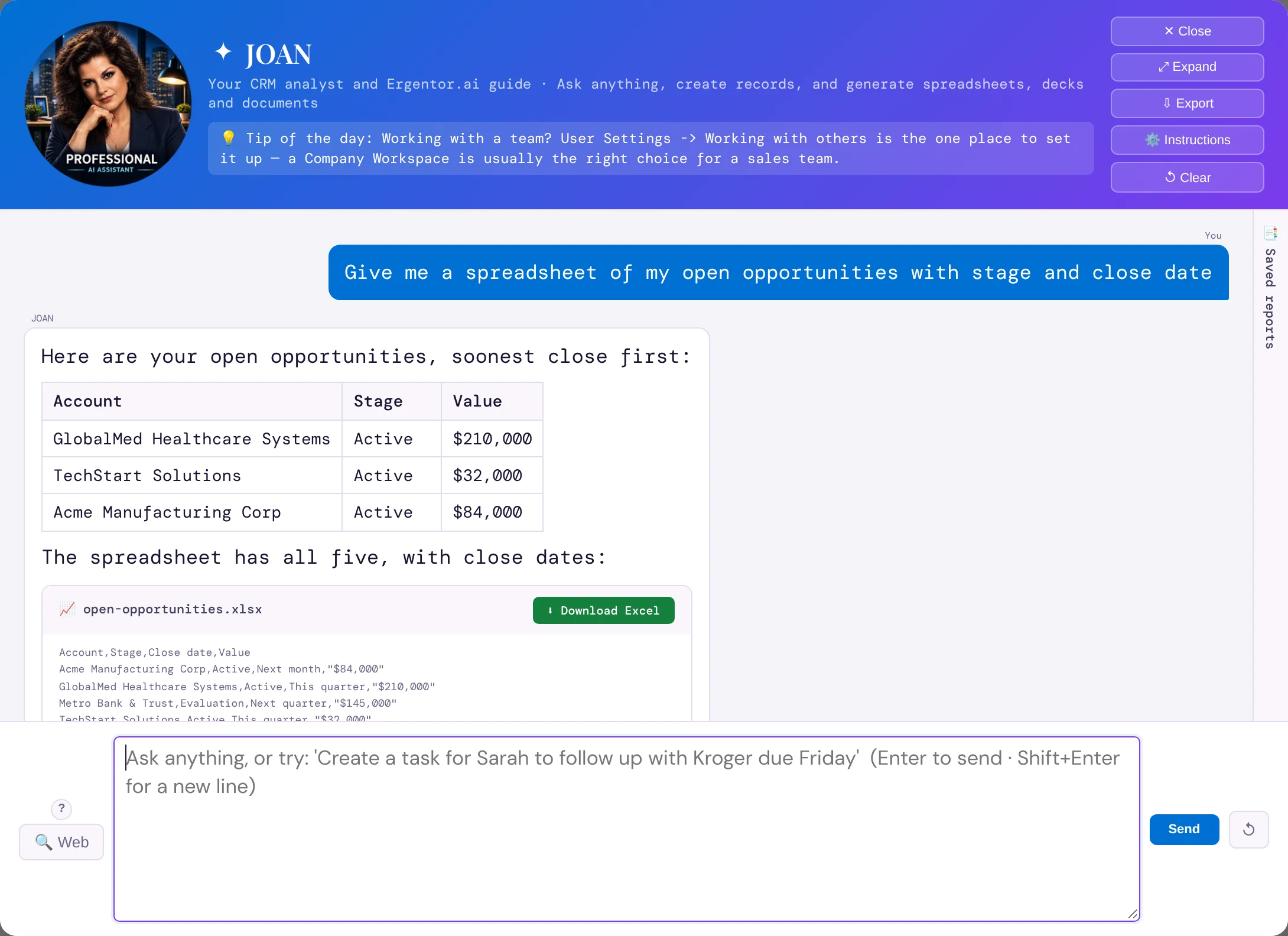
Lists and counts are run as a report over every record, not a sample, and can be saved and run again later with current data.
JOAN reads only your own CRM. Another customer’s data is never in reach of it.
How it works
- Open JOANOne button, on every page.
- Ask"Which deals close this month with no next step?" "Summarize everything at Acme this quarter."
- Use the answerDownload the file, approve the record it drafted, or keep asking.
Why sales people love it
- Pipeline reviews start with answers instead of an hour of digging.
- Exports for your manager in seconds — already in your company’s branding.
- Records get created because saying it is faster than typing it.
- Product questions too: JOAN reads the Ergentor.ai guide and ends with a tip.