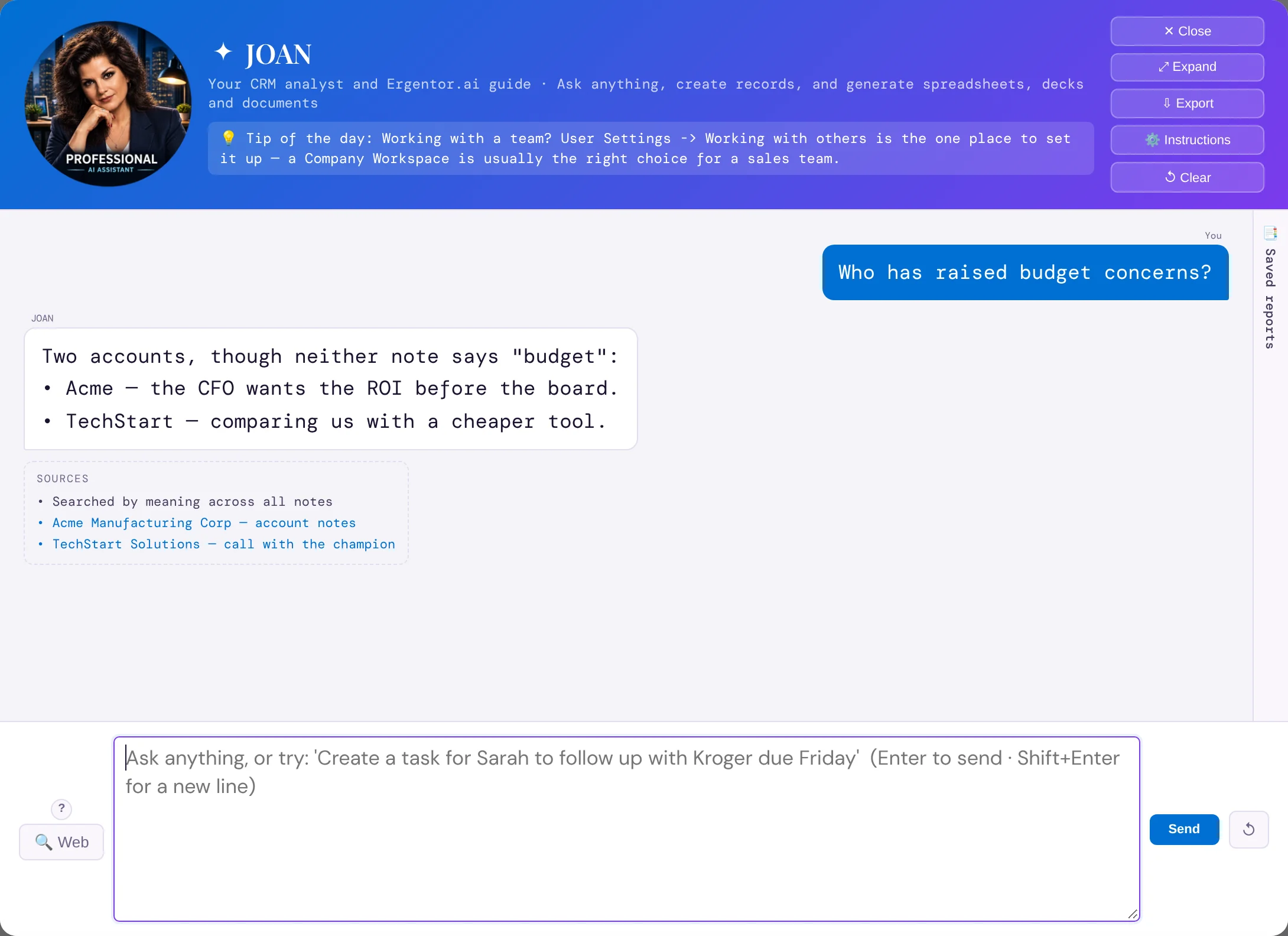
What it does
Every note in your CRM is indexed by meaning. When you ask JOAN a question, the closest passages are found across every account, contact and deal, whatever words they used.
Answers list their sources. Click one and the account or deal opens, so you can read the note in full before you act on it.
How it works
- Ask JOANUse your own words: "Who is worried about implementation time?"
- Read the answerA short summary across all the notes that match the idea.
- Check the sourceClick a source to open the record it came from.
Why sales people love it
- Nothing a customer told you gets lost because it was filed under a different word.
- Every claim comes with the note behind it, so you can trust it.
- Prepping for a call takes a question, not a scroll through months of notes.