What it does
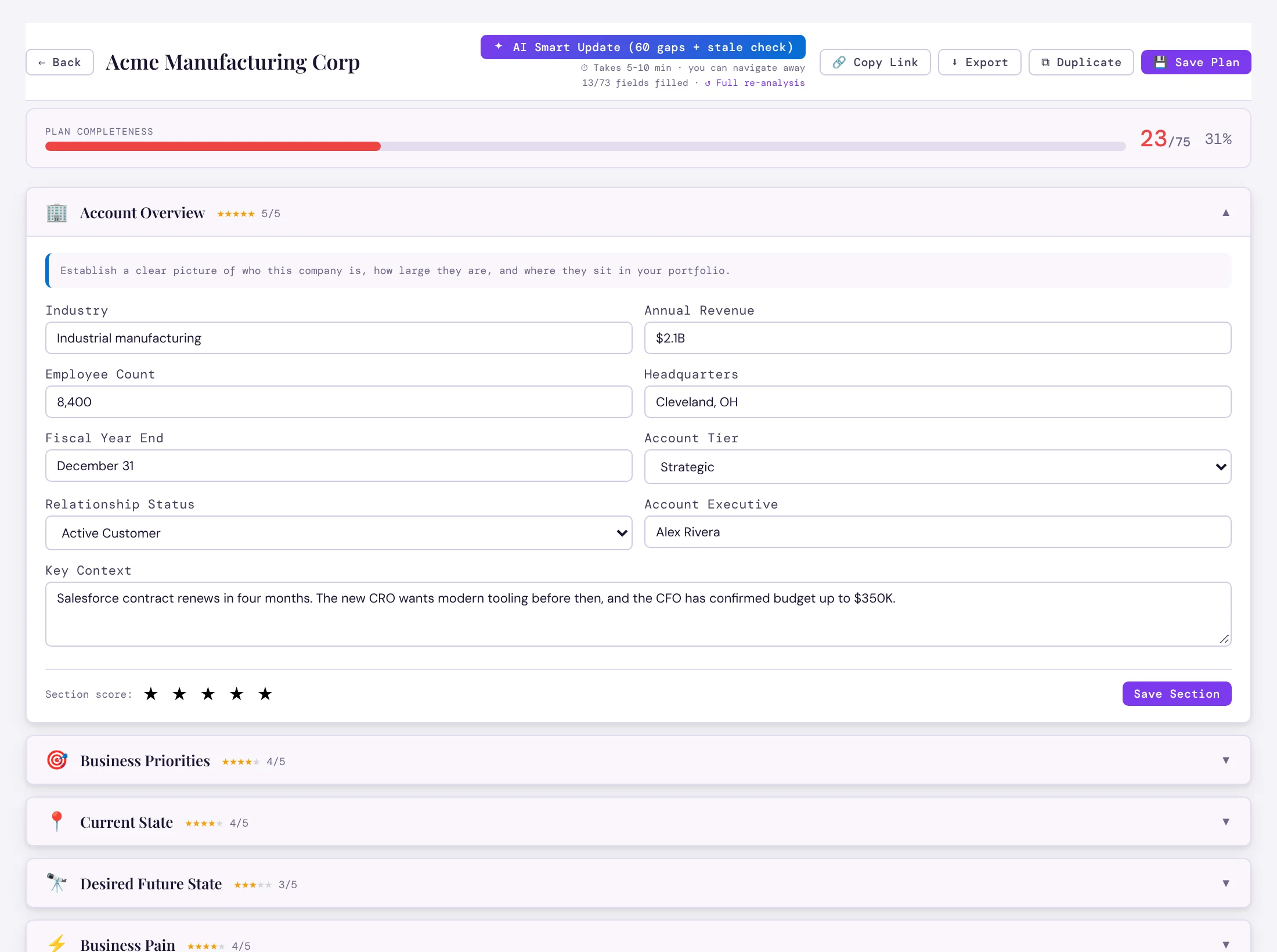
AI Fill All Sections drafts the whole plan from the account’s notes, contacts, opportunities and, for public companies, the annual report. It runs in the background — you can move on and come back. Later, Smart Update fills only the gaps and checks for anything stale.
The stakeholder map is built from the account’s real contacts, and high-priority tasks can be pulled into the action plan.
Export the plan as a PDF, a Word document or a PowerPoint deck with charts, in your branding.
How it works
- Open Account PlansPick the account.
- Press AI Fill All SectionsEvery section is drafted from your records.
- Review and exportEdit anything, score each section, then export.
Why sales people love it
- Strategic accounts get a real plan, not a blank template nobody finishes.
- Managers review every plan in the same shape.
- A ready-made deck for the account review.