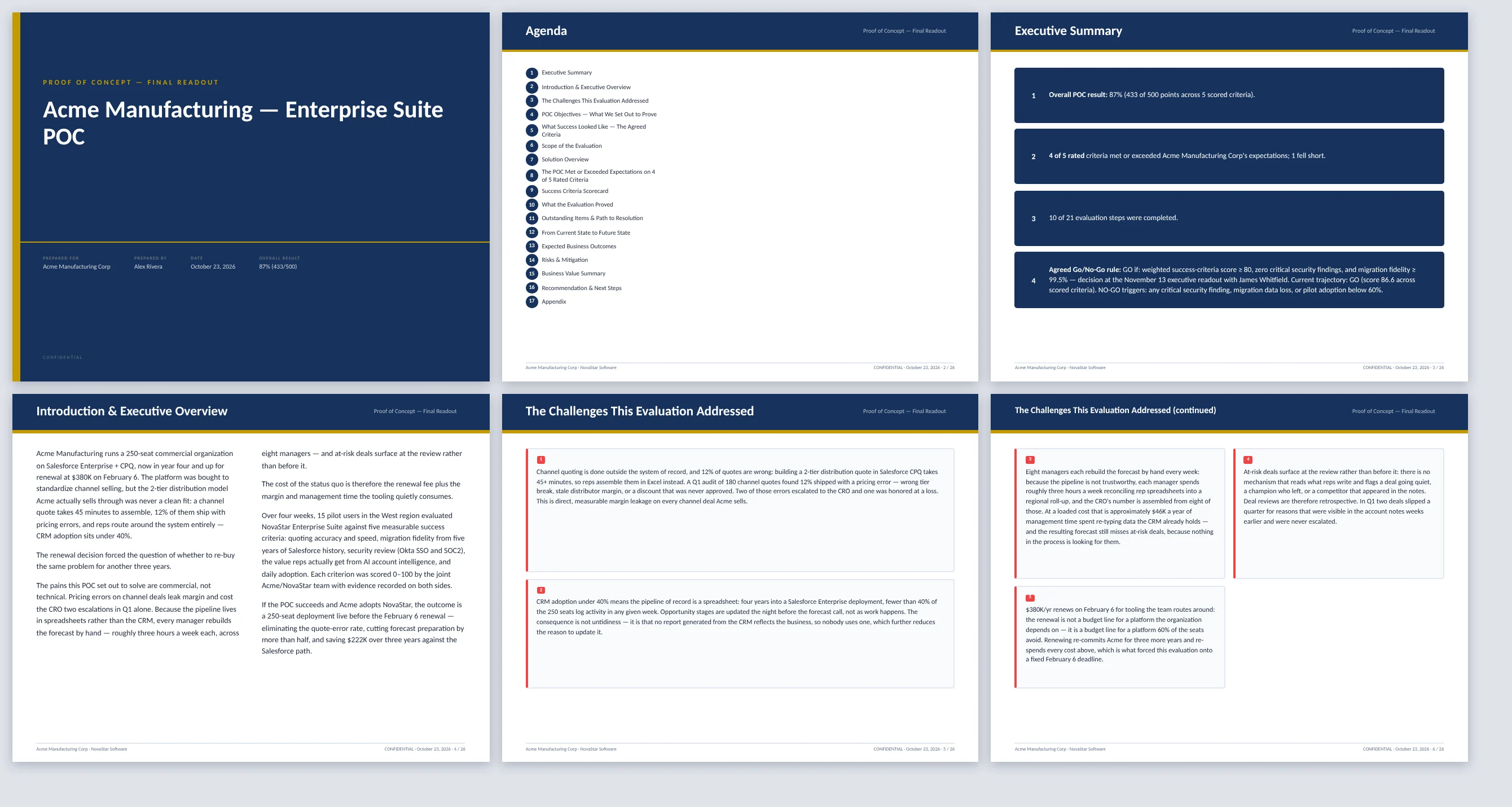
What it does
The layout follows the data: risks become a risk matrix, costs a table, scored criteria a scorecard — not the same bullet slide sixteen times.
If the text claims a score the plan does not have, the export warns you before it goes to a customer.
Speaker notes can be drafted for every slide, so someone who was not in the POC meetings can present it.
How it works
- Run the POCTrack criteria and scores in the POC Planner.
- Press AI DraftEvery readout box is filled from the results and notes.
- ExportPowerPoint, PDF or Word, in your branding.
Why sales people love it
- The readout is written the day the POC ends, while the result is fresh.
- Executives get the decision and the evidence, not a raw test log.
- Every deck looks like your company made it.